Learning how to write guides that readers actually finish and that Google actually ranks is one of the most valuable skills any content creator can develop. Step-by-step tutorials and writing instructions form the backbone of educational content across every niche, from software documentation to cooking blogs.
Yet most how-to content fails because writers treat it as an afterthought, rushing through steps without considering what their audience genuinely needs. Content creation tips aimed at beginner guides often repeat the same vague advice: "know your audience" and "be clear." That's not enough.
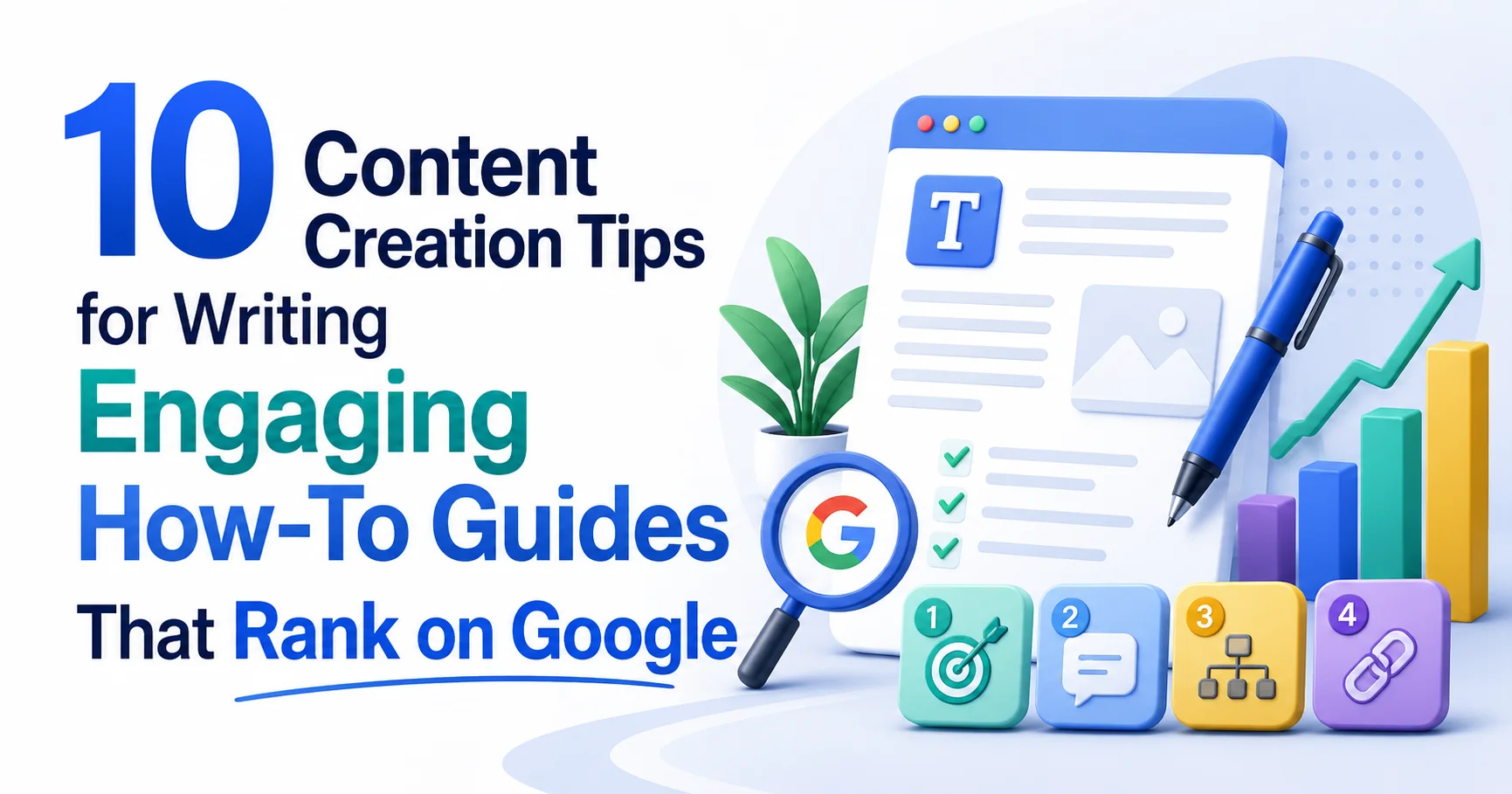
The difference between a guide that earns thousands of monthly visits and one that collects dust comes down to specific, repeatable techniques. This article breaks down ten actionable strategies organized into four focused sections that will transform the way you approach instructional writing.
Key Takeaways
- Structure your guide around a single, clearly defined outcome that the reader wants to achieve.
- Write each step as a standalone action that the reader can complete before moving forward.
- Use search intent research to match your guide format to what Google already ranks.
- Include visual cues, tables, and formatting to reduce cognitive load on readers.
- Test your instructions with a real beginner before publishing to catch assumption gaps.
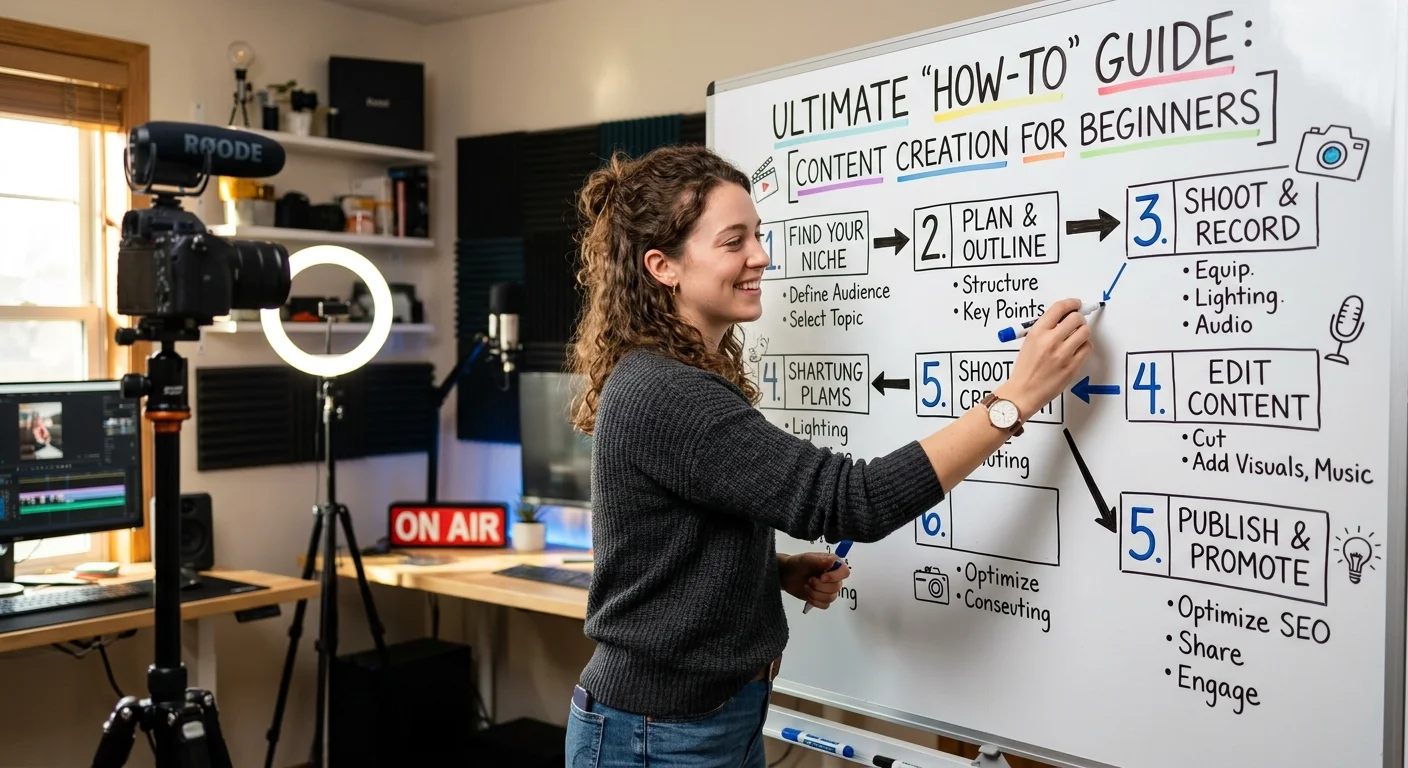
Nail the Foundation: Research, Intent, and Structure
Tip 1: Define One Clear Outcome
Every effective guide promises a single, specific result. Not "learn about email marketing" but "set up your first automated welcome sequence in Mailchimp." When you narrow the scope, you give readers a reason to stay until the end. You also give Google a clear signal about what your page covers, which directly affects ranking. If you're unsure how to frame your outcome, understanding what step-by-step instructions actually mean and how they work will help you define the right level of specificity for your particular topic and audience.
A well-defined outcome also protects you from scope creep. Writers often pack too many tangential concepts into a single guide, diluting the value of each section. Ask yourself: "When someone finishes reading this, what will they have done?" If the answer takes more than one sentence to describe, you're probably trying to cover too much ground. Split it into multiple guides instead.
Write your outcome statement before anything else. If you can't state it in under 15 words, narrow the scope.
Tip 2: Reverse-Engineer Search Intent
Before writing a single word, search Google for your target keyword and study the top five results. Are they listicles, video tutorials, or long-form written guides? The format Google already rewards tells you exactly what searchers expect. If the top results are all 2,000-word written tutorials with screenshots, publishing a 500-word overview won't compete. Match the format, then exceed the quality. This is where many content creation tips for beginner guides fall short; they skip competitive analysis entirely.
Read also How AI Voice Cloning Works in Video Narration Tools
Pay attention to the "People Also Ask" boxes and related searches at the bottom of the results page. These reveal the sub-questions your guide should answer within its steps. Incorporating these naturally into your headings and body text signals topical depth to search engines. It also means fewer readers need to leave your page to find supplementary answers, which keeps dwell time high and bounce rates low.
Tip 3: Outline Before You Draft
Professional instructional designers never write linearly from start to finish without a map. Create a numbered outline where each item represents one discrete step the reader must complete. Under each step, note the key details, tools needed, and potential pitfalls. This prevents the common problem of realizing halfway through your draft that you skipped a prerequisite step. An outline also makes it far easier to identify where you need screenshots, tables, or callout boxes.
Your outline doubles as a quality-check tool. Read through the steps in order and ask: "Could a beginner follow this sequence without external help?" If any step assumes knowledge you haven't introduced yet, rearrange or add an earlier step. This front-loaded effort saves hours of revision later and produces a guide that flows logically from beginning to end.
Write Steps That Actually Work
Tip 4: One Action Per Step
The fastest way to lose a reader in a how-to guide is to bundle multiple actions into a single step. "Open your dashboard, navigate to Settings, click Integrations, and paste your API key" is four steps disguised as one. When readers lose their place, they will they can't easily find where they went wrong. Each numbered step should contain exactly one verb and one action. If a step requires a sub-action, use a nested list rather than cramming everything into a paragraph.
This discipline also forces you to think about transitions. Between every two steps, there's an implicit "you should now see" or "your screen should show" moment. Calling these out explicitly builds reader confidence. Phrases like "You'll see a green confirmation banner at the top of the page" act as checkpoints that confirm the reader is on track before they proceed.
If a single step takes more than 90 seconds to complete, it probably needs to be broken into two or three smaller steps.
Tip 5: Use Concrete Language Over Abstract Advice
Compare "Write a compelling headline" with "Write a headline that includes your primary keyword and a specific number, such as '7 Ways to Reduce Your Electric Bill by 30%.'" The second version gives the reader something to actually do. Abstract advice feels helpful in the moment, but leaves readers staring at a blank screen. Every instruction in your guide should pass what I call the "screenshot test." Could you take a screenshot of someone doing exactly what you described? If not, get more specific.
This principle applies to tool recommendations, too. Don't say "use a keyword research tool." Say "open Ubersuggest, type your topic into the search bar, and filter results by questions." For content creators exploring AI agents for content creation, this same specificity matters when describing AI-assisted workflows. Tell readers which button to click, which prompt to type, and what output to expect. Specificity builds trust faster than any other writing technique.
Tip 6: Anticipate Failure Points
Experienced writers know where beginners stumble because they've watched people follow their guides. Common failure points include: missing prerequisites (like not having the right software version installed), ambiguous terminology (using "click Save" when there are two Save buttons on screen), and skipped context (explaining how but not why). Address these proactively with warning callouts, troubleshooting notes, or brief explanations of why a particular step matters.
Never assume readers share your technical vocabulary. Define terms on first use or link to a glossary.
Failure-point awareness is what separates mediocre step-by-step tutorials from guides people bookmark and share. After drafting, read your guide, imagining you've never touched the tool or topic before. Every moment of confusion you catch before publishing is a reader you save from abandoning your page.
"The best how-to guide isn't the one that covers everything, it's the one that leaves no reader behind."
Format for Readability and SEO
Tip 7: Use Visual Hierarchy Strategically
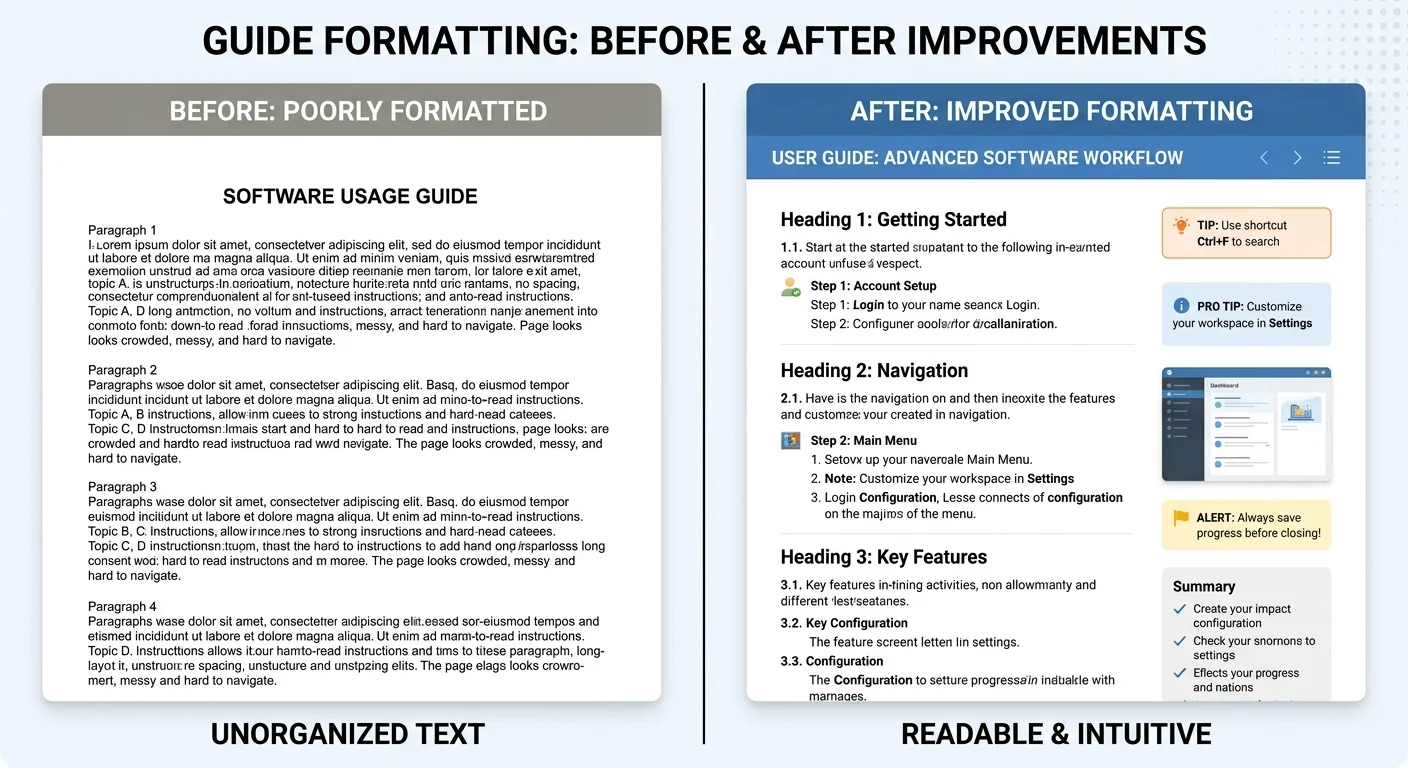
Walls of text kill how-to content. Readers scan guides; they don't read them linearly like novels. Use H2 headings for major sections, H3 headings for sub-steps, bold text for key terms, and bullet lists for options or requirements. White space between steps gives readers a natural pause to complete each action before scrolling. This isn't just about aesthetics; proper hierarchy helps screen readers, and Google's crawlers understand your content structure.
Tables work exceptionally well for comparison data or settings overviews within guides. Rather than describing five configuration options across three paragraphs, present them in a scannable table. Here's an example of how different guide formats perform across key metrics:
| Guide Format | Avg. Time on Page | Bounce Rate | Featured Snippet Potential |
|---|---|---|---|
| Numbered Steps + Screenshots | 6:42 | 34% | High |
| Video Only | 4:18 | 52% | Low |
| Plain Text Paragraphs | 2:11 | 71% | Very Low |
| Mixed Media (Text + Video + Images) | 7:55 | 28% | High |
Tip 8: Optimize for Featured Snippets
Google's featured snippets pull directly from how-to content more than almost any other format. To win Position Zero, structure your steps as an ordered list immediately following a heading that matches a common search query. Keep each step to one or two concise sentences in the list format. Google typically displays three to eight steps in a snippet. Your full guide can expand on each step below, but having a clean summary list at the top dramatically increases snippet eligibility.
Use HowTo schema markup on your page to give Google explicit signals about your step-by-step structure. Schema won't guarantee a rich result, but it significantly improves your chances. Most content management systems offer plugins or built-in tools for adding structured data without touching code. If writing instructions and beginner guides are your primary content type, implementing schema across all your tutorials should be a standard part of your publishing workflow.
Test, Refine, and Promote Your Guide
Tip 9: Test with Real Beginners
The most overlooked content creation tip for writing instructions is this: hand your draft to someone unfamiliar with the topic and watch them try to follow it. Don't explain anything verbally. Just observe. You'll discover gaps, confusing phrasing, and assumed knowledge within the first three steps. This kind of usability testing is standard practice in software documentation, but rarely applied to blog-style guides. It should be.
Even a quick Slack message to a colleague, "Can you follow this guide and tell me where you get stuck?" produces insights no amount of self-editing can match. The writer's curse is that you already know the answer, which makes it nearly impossible to see your instructions through a beginner's eyes. Fresh perspectives reveal problems you've gone blind to. Fix those problems before publishing, and your guide will outperform competitors who never tested theirs.
Record a screen-share session of your tester as they follow the guide. Watching their cursor hesitate tells you exactly where your writing needs work.
Tip 10: Update and Redistribute Regularly
How-to guides decay. Software interfaces change, best practices evolve, and links break. Set a calendar reminder to review every published guide quarterly. Update screenshots, verify that all steps still work, and add new information from recent developments. Google rewards freshness signals, and updated content often sees a ranking boost within weeks of republication. Add a visible "Last updated" date to build reader trust immediately.
Redistribution is equally important. When you update a guide, share it again across your email list, social channels, and relevant communities. Most of your audience didn't see it the first time — organic reach on social platforms typically hits only 5-10% of your followers per post. Repurpose sections of your guide into Twitter threads, LinkedIn carousels, or short video walkthroughs. Each format reaches a different segment of your audience and drives fresh traffic back to the full guide.
Frequently Asked Questions
?How do I test my how-to guide with a real beginner before publishing?
?Should I write one long guide or split topics into multiple guides?
?How long does it realistically take to write a guide that ranks on Google?
?Is matching Google's top-ranked format really necessary if my content is better?
Final Thoughts
Writing how-to guides that rank well and genuinely help readers isn't about following a magic formula. It's about respecting your reader's time, testing your assumptions, and treating every step as a promise you're making.
The ten techniques covered here, from defining a single outcome to testing with real beginners, work because they focus on clarity and reader experience above everything else. Apply even three or four of these consistently, and you'll produce step-by-step tutorials that outperform most content in your niche. Start with your next guide and measure the difference.
Disclaimer: Portions of this content may have been generated using AI tools to enhance clarity and brevity. While reviewed by a human, independent verification is encouraged.